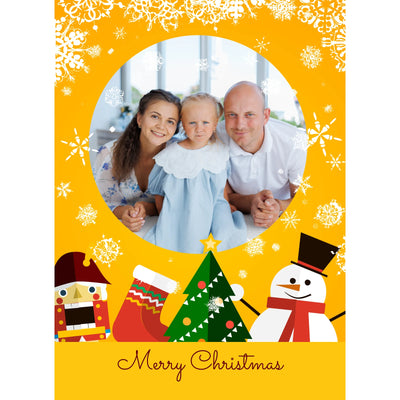
Create a Jigsaw Puzzle From Your Photo

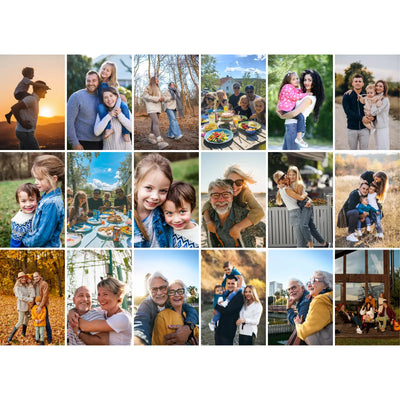
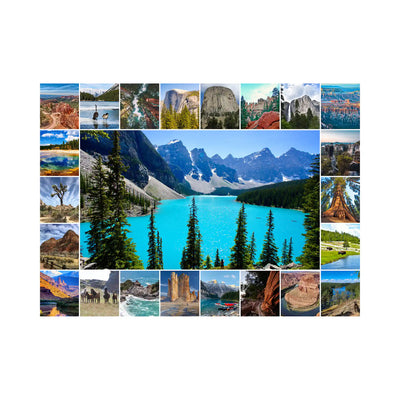
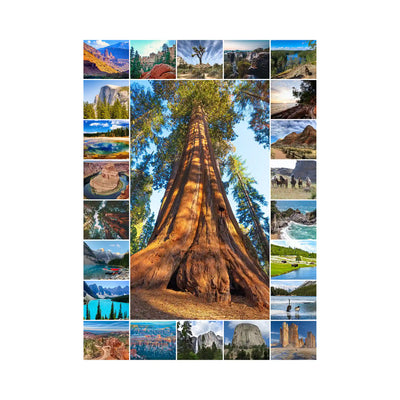
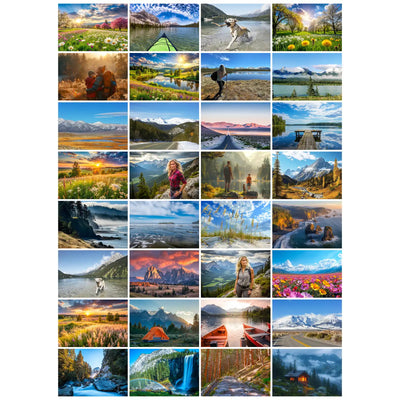
Turn your photos into a jigsaw puzzle made just for you. Choose your puzzle size and layout, upload your picture, and personalize your design with text or graphics. Prefer multiple photos? Create a collage using your favorite memories. With five piece counts and portrait or landscape layouts, it’s easy to create a puzzle from your photo that’s uniquely yours.
  • Made in USA
  • Premium Materials
  • Gift-Ready Box
  • Free U.S. Shipping
1 to 12 of 103 items

Built for Quality

Premium Quality in Every Puzzle

Premium materials, precision printing, and expert craftsmanship come together in every puzzle.

  • Made in the USA

    Made in the USA

    Proudly manufactured in the USA with exceptional quality control

  • Premium ESKA® Puzzle Board

    Premium ESKA® Puzzle Board

    Premium ESKA® blue board for exceptional durability and feel

  • Vibrant Precision Printing

    Vibrant Precision Printing

    Rich colors and sharp detail bring every photo to life

  • Precision-Cut Pieces

    Precision-Cut Pieces

    Clean-cut pieces that fit together beautifully

  • Premium Gift-Ready Box

    Premium Gift-Ready Box

    A rigid two-piece box with a fully customized lid

WHICH PUZZLE STYLE FITS YOUR STORY?

Choose Your Puzzle Style

Choose the design that works best for your photos, memories, and personal style.

  • Classic Photo Puzzle

    Turn your favorite photo into a timeless photo puzzle.

    • Perfect for one favorite photo
    • Portrait or landscape orientation
    • Clean, timeless design
    • Available in multiple piece counts
    Best Choice

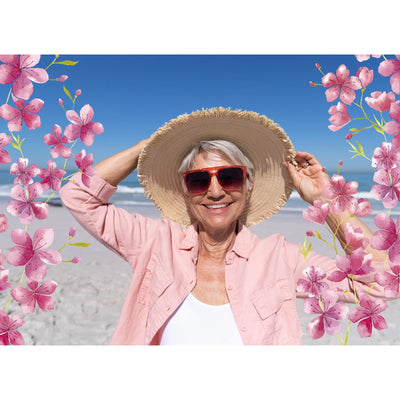
    Single Photo Puzzle

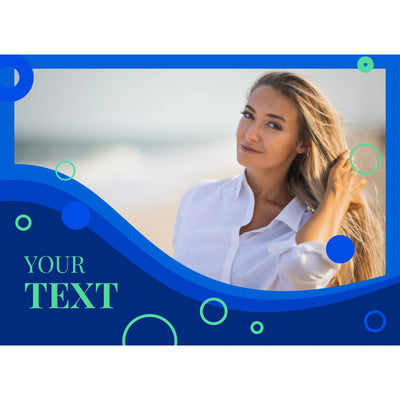
    Lady portrait at the beach displayed on a single photo puzzle
  • Photo Collage Design

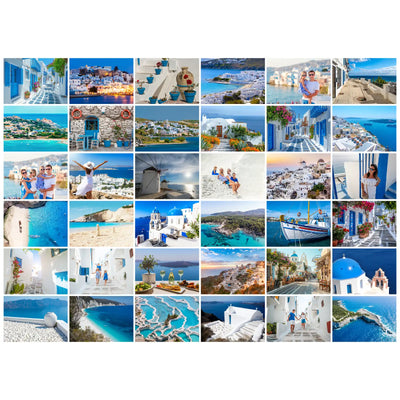
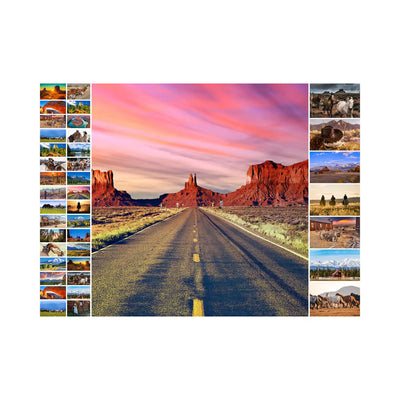
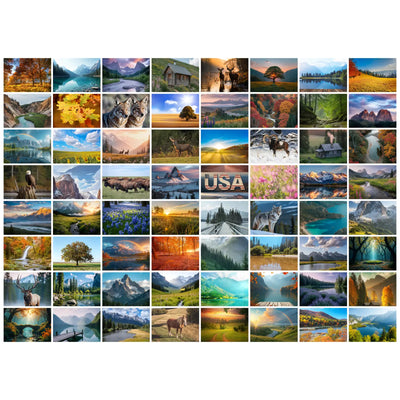
    Combine multiple favorite photos into one beautifully designed photo puzzle.

    • Multiple photos
    • 2–65 image layouts
    • Portrait or landscape
    • Professionally designed templates
    Best Choice

    Photo Collage Puzzle

    Photo collage puzzle featuring multiple photos of a couple sharing special moments
  • Add a Personal Message

    Add names, dates, or meaningful messages to make it uniquely yours.

    • Add names, dates, or short messages
    • Place text anywhere on your design
    • Customize fonts, colors, and sizing
    • Works with single photos or collages
    Best Choice

    Photo Puzzle with Text

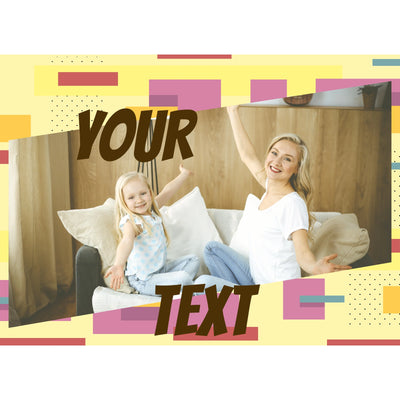
    Photo Puzzle with Text - add your message to your photo jigsaw puzzle

HOW IT WORKS

Create a Puzzle From Your Photo in 3 Simple Steps

Turn your photo into a puzzle in just a few minutes. Choose your puzzle size and layout, upload your picture, personalize the design, and create a matching box for a polished, gift-ready finish.

STEP 1
Choose a puzzle size and photo layout to create your jigsaw puzzle

Choose Your Puzzle Size & Layout

Choose from 100+ professionally designed layouts for 1 to 65 photos.

STEP 2
Upload and personalize your photo to create a jigsaw puzzle

Upload & Personalize

Upload your favorite photo, adjust its position, and optionally add text or graphics.

STEP 3
Design a matching puzzle box with your photo and custom text

Design Your Puzzle Box

Choose a box background and personalize the lid with your own message or graphics.

Multiple Puzzle Sizes

Choose from several piece counts for different ages, skill levels, and occasions.

Text & Graphics

Add names, dates, messages, or decorative graphics to make your puzzle uniquely yours.

Premium Puzzle Box

Finish your puzzle with a matching box design and optional message.

How to Create a Puzzle From Your Photo: Complete Guide

Details and information about this collection

Choosing the Best Photo for Your Puzzle

+

What makes a good photo for a jigsaw puzzle?

The best results start with a clear, high-resolution image. Choose a photo with a well-defined subject, good lighting, and enough contrast to keep details easy to see once the image is divided into puzzle pieces.

Photos with a variety of colors, textures, and recognizable details can also make the finished puzzle more enjoyable to assemble. Portrait and landscape images both work well—simply choose the layout that best matches the orientation of your photo.

For the sharpest printed result, use the original image file whenever possible rather than a compressed screenshot or image downloaded from social media.

How to create a puzzle from a photo

+

Creating your puzzle is simple. Start with a high-quality digital image, then choose your preferred puzzle size and layout. Upload your photo to the designer, adjust its position and crop, and add optional text or graphics.

For the best finished result, consider:

  • Resolution: Higher-resolution images produce sharper details, particularly on larger puzzles.
  • Color Range: Photos with varied colors and contrast can make individual pieces easier to distinguish.
  • Composition: Keep important faces, people, pets, or other subjects away from the very edge of the image whenever possible.

Quick Tip for Best Results:
For crisp printing, we recommend a minimum image size of 2500 pixels on the longest side for 1000- and 500-piece puzzles, and 1600 pixels for 252-, 100-, and 48-piece puzzles.

Whenever possible, upload the original photo file for the best print quality.

Turn a Picture Into a Puzzle

+

To turn a picture into a puzzle, start with the original image file whenever possible. Photos from a smartphone or digital camera usually work well, while images downloaded from social media, screenshots, or heavily compressed files may contain less detail.

After uploading your picture, choose the puzzle size and orientation that best match the image. Landscape photos generally fit horizontal layouts, while portraits work better with vertical designs. You can then crop and reposition the image within the puzzle area to control what appears near the edges.

When you make a puzzle from a photo, pay particular attention to faces, text, and other important details near the outside of the design. Keeping these elements slightly inside the edge gives you more flexibility when positioning your picture and helps create a better-balanced finished puzzle.

Before completing your photo-to-puzzle design, review the full preview and check the placement of important details. If the image needs substantial cropping to fit your selected format, try another orientation or puzzle layout rather than forcing the picture into the available space.

Your Questions, Answered

+

How do I create a jigsaw puzzle from my photo?

+

Choose your puzzle size and layout, upload your photo, adjust the image, and add optional text or graphics in the online designer. You can also personalize the puzzle box before completing your order.

What photo quality do I need to create my puzzle?

+

A clear, high-resolution photo works best. Most modern smartphone photos are perfectly suitable when the original image file is used.

Recommended sizes:

1000 & 500 pieces: Best at approximately 4500 × 3400 pixels; minimum 2500 pixels on the longest side.

252, 100 & 48 pieces: Best at approximately 3400 × 2500 pixels; minimum 1600 pixels on the longest side.

If your image is flagged during upload, our graphics team can review it and may be able to improve it for printing.

Can I add text or custom messaging to my puzzle or box?

+

Yes. Add names, dates, captions, or short messages directly to your puzzle design using our online designer. You can also personalize the puzzle box lid with a title, message, branding, or graphics.

What piece count should I choose for my puzzle?

+

Choosing the right piece count depends on the age, skill level, and available time of the puzzler. At MakeYourPuzzles, we offer a range of sizes designed for everyone from toddlers to experts.

Quick Selection Guide

  • 48 XXL Pieces: Best for toddlers (ages 3–5) and seniors. Large, easy-to-handle pieces.
  • 100 XXL Pieces: Ideal for children (ages 6–9) or a quick 1-hour activity.
  • 252 Pieces (Large Format): Our "Family Favorite." Large enough for kids, but challenging enough for adults. (Size: 14" x 19.25")
  • 500 Pieces: The gold standard for gifts. Perfect for a weekend project or teens and adults. (Size: 19.25" x 26.6")
  • 1,000 Pieces: For the enthusiast. A significant challenge that requires a dedicated workspace and 10+ hours. (Size: 19.25" x 26.6")

How long does shipping take, and is shipping free?

+

Free, Fast U.S. Shipping. Most orders ship within 1–3 business days; transit is typically 2–5 business days depending on location. Expedited options may be available at checkout.

Want to explore more options? Browse our full collection of custom puzzles to discover every available design and style.

FOLLOW US
WE ACCEPT Amazon American Express Diners Club Discover Mastercard PayPal Shop Pay Visa
CONTACT US